Free Kakebo Online: The Best App to Track Your Expenses (2026)
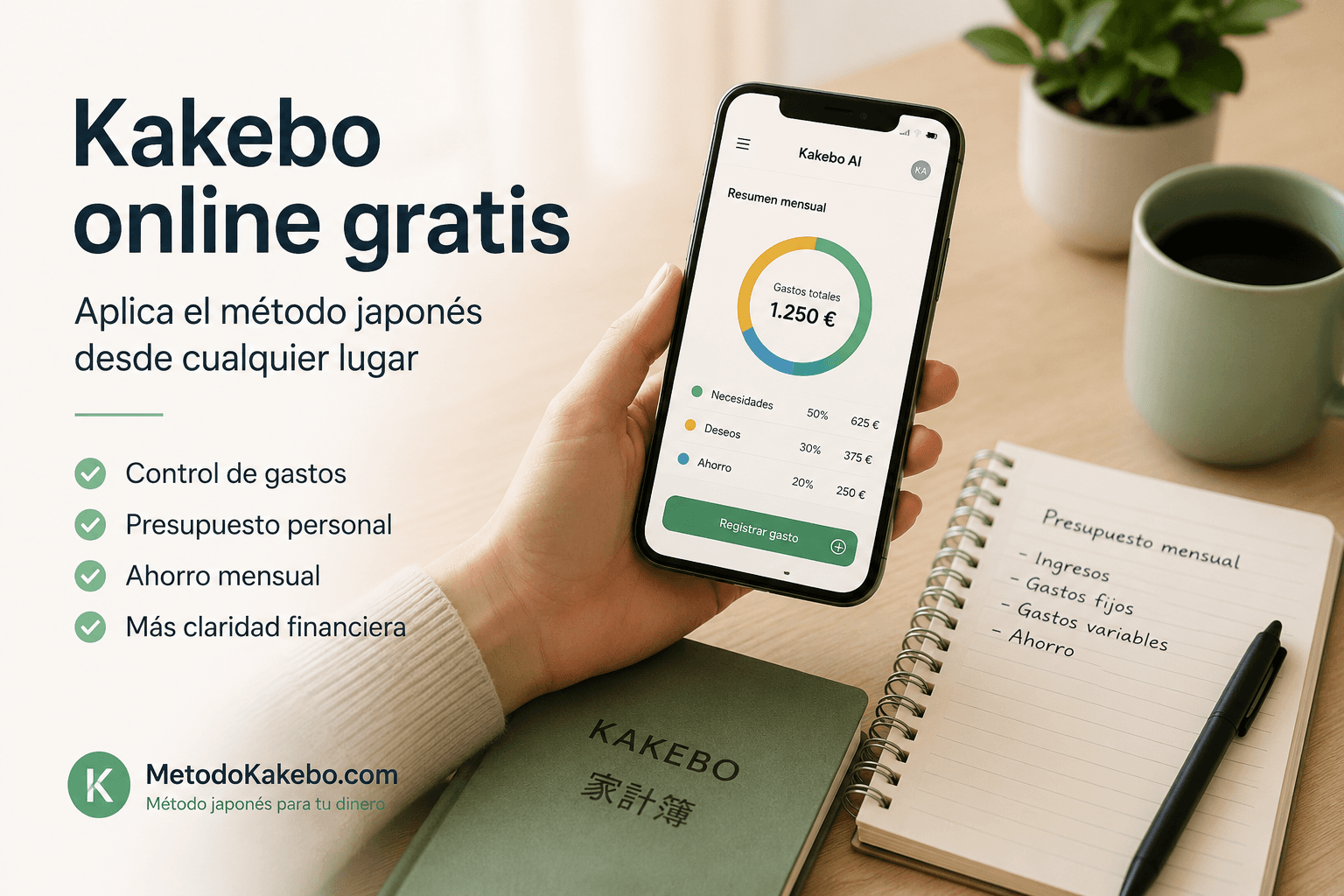
If you are looking for a way to apply the Japanese savings method from your computer or phone, you are probably tired of paper notebooks or complicated Excel spreadsheets.
The good news is that keeping your Kakebo online for free is now easier than ever. In this article, we will resolve your doubts about how to digitize your finances while maintaining the essence of mindful tracking that makes this method so special.
Why do your Kakebo Online?
The traditional method invented by Motoko Hani in the early 20th century was based on physical writing. Writing down every expense by hand created a psychological connection with money that helped reduce compulsive buying.
However, in 2026, carrying a physical notebook everywhere is not practical. This is where the concept of Kakebo online shines:
- Total Accessibility: You can log that coffee or Netflix subscription from your phone the moment it happens, before you forget.
- Automatic Calculations: No more calculators and errors when adding up supermarket receipts.
- Security: If you lose your notebook, you lose your financial history. An online Kakebo keeps your data encrypted and always available.
Is Kakebo AI the best Free Kakebo Online option?
Absolutely. While most financial apps force you to hand over your bank passwords (a huge privacy risk) or track your purchases to sell your commercial profile to advertisers, Kakebo AI is born with a radically opposite philosophy.
You can create an account and use our system as a free Kakebo online forever through our Manual Plan.
What does the free version include?
- Unlimited expense tracking: Log everything you want.
- Native Kakebo categories: Your money is automatically classified into Survival, Wants/Leisure, Culture, and Extras.
- Total Privacy: We never connect to your bank. You are the sole owner of your data.
- Web App: Use it from any browser on your PC or install it as an app on your phone (PWA/Android/iOS) without taking up space.
"I was looking for an online kakebo app that didn't ask me to link my credit cards. I found exactly what I needed: privacy and manual control from the web." – User review.
How to start with your online Kakebo step by step
If you have never used a digital expense tracking system, here are the exact steps to start today:
Step 1 — Define your monthly budget. Write down your actual net income (what lands in your account, not the gross amount). Subtract your non-negotiable fixed expenses: rent or mortgage, utilities, subscriptions, and transportation. What remains is your real available budget for the month.
Step 2 — Set up your four categories. The Kakebo method divides all your expenses into four blocks: Survival (basic needs), Optional and Leisure (treats and entertainment), Culture (books, courses, experiences), and Extras (unexpected costs). Every expense you make fits into one of these four boxes.
Step 3 — Log in the moment, not at the end of the day. The key to the method is immediacy. Logging the expense right after it happens — at the supermarket, at the coffee shop, leaving the parking lot — prevents them from piling up and being forgotten. An online Kakebo lets you do this from your phone in seconds.
Step 4 — Weekly 10-minute check-in. Once a week, review what you have accumulated in each category. Are you within budget? Is any category running high? This review is what separates mechanical tracking from real financial awareness.
Step 5 — Monthly close and planning. At the end of the month, answer the four questions of the method: How much did you have? How much did you want to save? How much have you actually spent? What would you change next month?
Online Kakebo on mobile: does it work as an app?
A common question is whether the online Kakebo works well on a phone or only from a computer. The answer depends on the tool you use.
Google Sheets, for example, is functional on mobile but uncomfortable: forms are small, formulas break easily, and the process of adding a new row every time you spend something creates enough friction to end up abandoning it.
Kakebo AI is built as a PWA (Progressive Web App), which means you can install it on your home screen just like a native app, both on Android and iOS, without going through any app store. The storage footprint is minimal and it works from any browser.
Comparison: options for keeping your Kakebo online for free
| Option | Cost | Privacy | Mobile ease | Kakebo categories |
|---|---|---|---|---|
| Google Sheets | Free | High (data in your account) | Medium | Manual |
| Notion template | Free | High | Medium | Manual |
| Banking apps (Chase, etc.) | Free | Low (bank access) | High | Not native |
| Mint / Copilot | Free / Freemium | Low (Open Banking) | High | Not native |
| Kakebo AI — Manual Tracking | Free | Very high (no bank) | High | Native |
| Kakebo AI — With AI Agent | Free | Very high (no bank) | Very high | Native + AI |
The key difference between Kakebo AI and free banking apps is privacy: apps that connect to your bank monetize your spending data to show you financial advertising or sell it to third parties. Kakebo AI has no access to any bank account.
Frequently asked questions about the online Kakebo
Can I use the online Kakebo for free forever? Yes. Kakebo AI is permanently free and includes unlimited expense tracking with the four native categories of the Japanese method. The AI assistant is also included for free, with no time limit.
Does the online Kakebo work for couples? Yes, you can invite your partner to manage a shared budget. Each person logs their expenses from their own phone and both see the combined summary in real time.
Is it safe to use a financial app without connecting the bank? Safer than the alternatives. By not connecting the bank, you dramatically reduce the attack surface: if the app suffered a security breach, attackers would have no access to any of your bank accounts.
What happens if I forget to log an expense? The Kakebo method is flexible in this regard. If you forgot something, log it when you remember. Mathematical perfection to the cent is not the goal; the goal is awareness of your spending patterns.
The next level: the AI Assistant
While manual tracking is perfect for Japanese-style budgeting, the real revolution comes when you activate the Artificial Intelligence Agent (included for free).
Imagine not even having to open forms or search for categories. You simply open the chat of your online Kakebo and type: "I paid $65 for electricity and $20 for gas". The AI classifies electricity as a Fixed Expense and gas as Survival, updating your charts instantly.
3 Rookie mistakes when starting your online Kakebo
Getting started in conscious financial management, even with free and frictionless digital tools, entails a tactical and emotional learning curve. If you want to avoid quitting after a few weeks, be very careful with these three classic mistakes:
1. Trying to log the past instead of the present
The most common mistake is creating the account on the 15th of the month and trying to remember and log all the coffees, bread, and subscriptions since day 1. This generates immediate mental exhaustion and throws the numbers off because human memory is fallible. Solution: If you start on the 15th, your "Month 1" begins that day. Accept that the first two weeks are lost and focus exclusively on logging from today into the future.
2. Confusing the "Culture" category with "Optional/Leisure"
When categorizing in your online Kakebo, it is vital to be brutally honest. Many new users try to trick themselves into classifying a Netflix subscription or a popcorn blockbuster movie ticket as "Culture" to avoid inflating the "Leisure" bar. Solution: Genuine Culture (non-fiction books, museums, courses, independent theater) is a long-term investment in yourself that the Kakebo method actually rewards. Fast-consumption entertainment is purely Leisure. Accept it with pride and budget for it correctly, without guilt.
3. Jumping straight into a hyper-strict plan
When seeing all your money broken down on the Kakebo AI screen for the first time in years, the shock often causes you to impose draconian budgets: "This month, $0 at restaurants!". Solution: That severe restriction works exactly like crash diets: you end up suffering a massive rebound effect. Use your first month in your free online kakebo app purely as observation, without aggressively changing your habits. Month two is when you can attempt to sustainably reduce Leisure by 10%.
Related articles
- How to eliminate the latte factor with the Japanese method
- Free Kakebo Excel Template vs online Kakebo: which is better for you
- Mint alternative without bank connection: reclaim your privacy
Start today: your free online Kakebo in 5 minutes
Mindful saving doesn't mean going back to the past. Combining the Japanese control philosophy with a free online Kakebo platform is the ultimate recipe for organizing your economy stress-free, respecting your privacy, and gaining mental clarity.